Order Placed Successfully? Here Is Every Confirmation You Will Receive
You have just chosen a bouquet of blush garden roses and white lisianthus for someone who matters, typed in a Saint Petersburg address you have triple-checked, and clicked the final button. Now the screen is quiet and you are sitting thousands of kilometres away wondering whether anything actually happened. That uncertainty is the worst part of sending flowers remotely. This article walks you through every signal Turboflora sends you — email, SMS, and live order status — so you can stop refreshing and start looking forward to the moment your recipient opens the door.
The First Thing That Appears: Your On-Screen Order Summary
The instant your payment clears, the checkout page replaces itself with a confirmation screen. This is not a loading spinner or a vague thank-you message. It is a structured summary that lists your order number, the delivery address, the chosen date and time window, and the name of the recipient. Read it carefully before you close the tab, because this is the fastest way to catch a typo in the street name or a wrong apartment number.
The order number displayed on this screen is the same reference you will see in every subsequent message. It usually looks like a short string of digits. Write it down or take a screenshot, because if you ever need to contact the shop, this number lets the team pull up your bouquet details instantly — the exact varieties, the ribbon colour you selected, the card message you wrote.
If the confirmation screen does not appear after payment, do not place the order a second time. A duplicate charge is the most common mistake international senders make in this moment of doubt. Instead, check your email inbox first, wait two or three minutes, and then reach out to customer support with your payment reference. Network delays between international banks and the checkout system occasionally cause a brief gap between a successful charge and the page refresh, but the order itself is almost always recorded correctly on the shop's side.
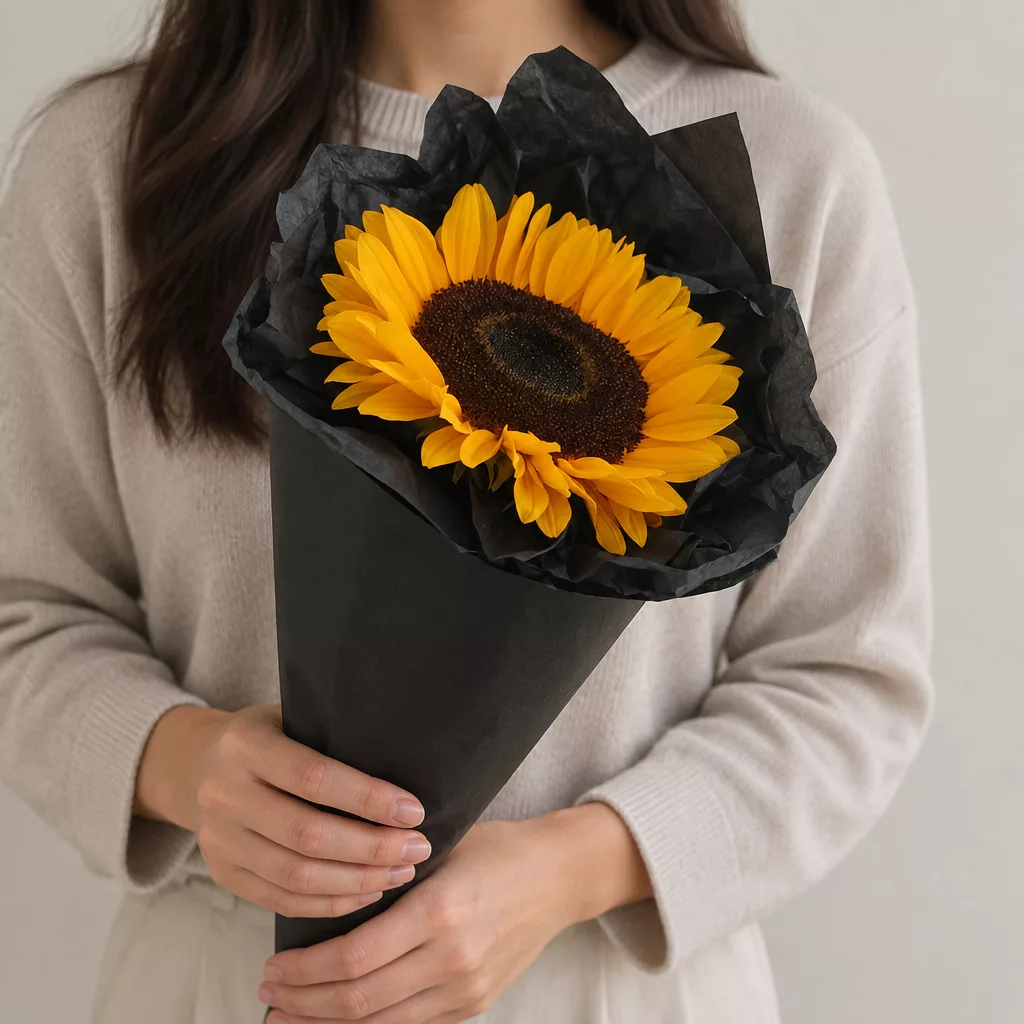
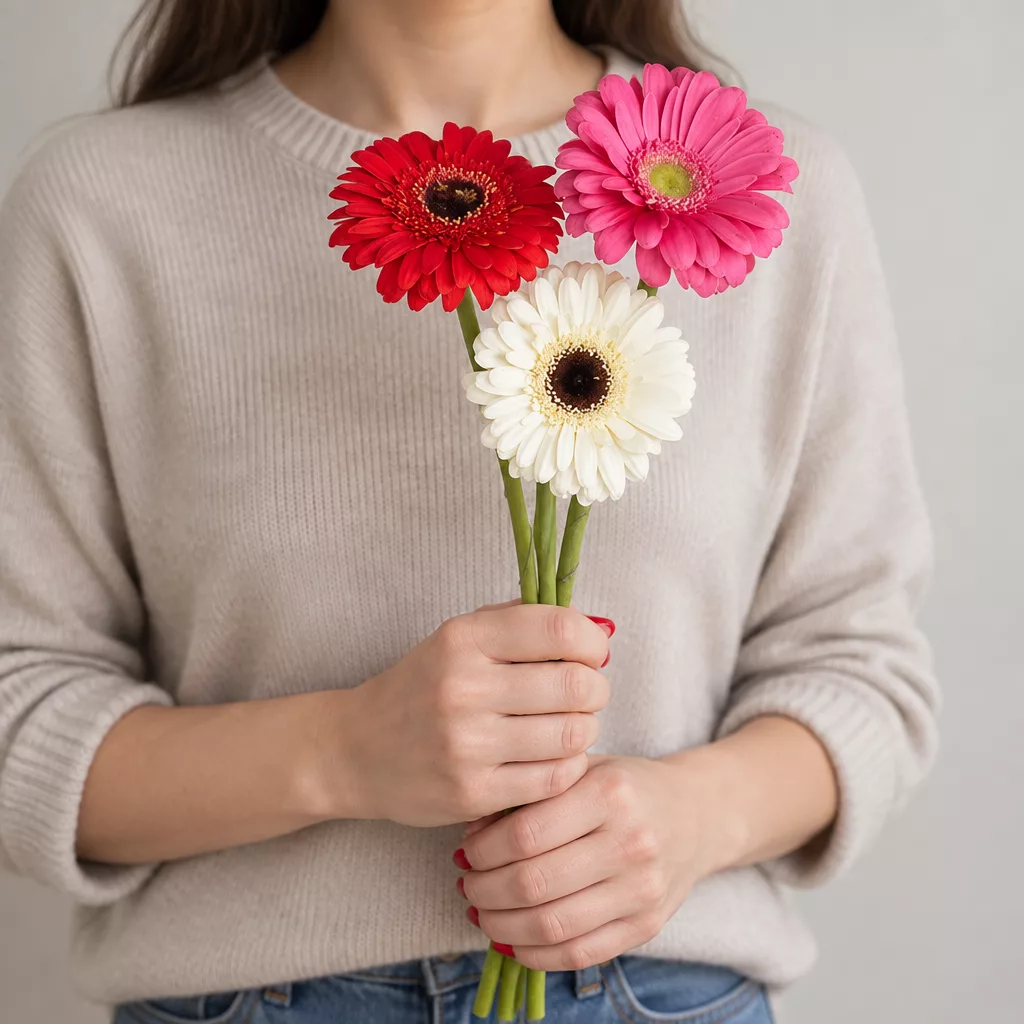
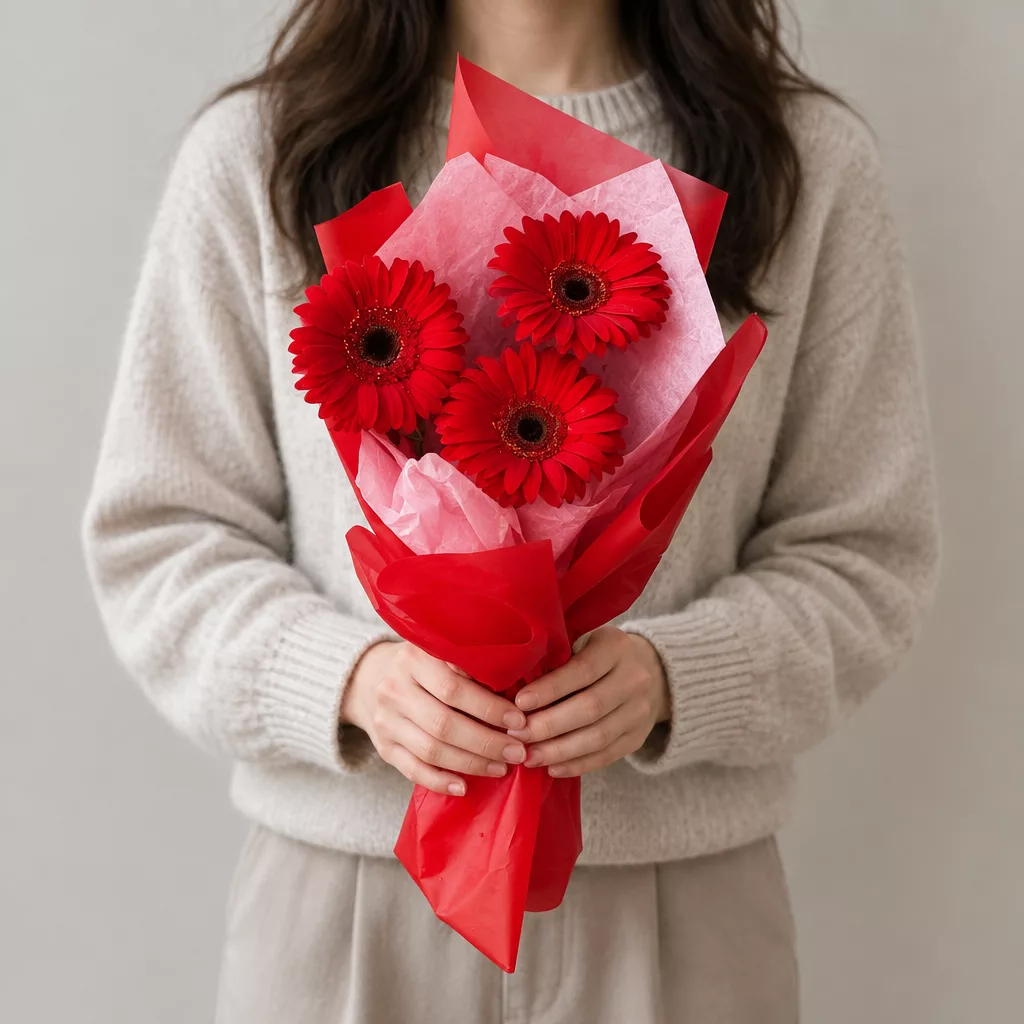
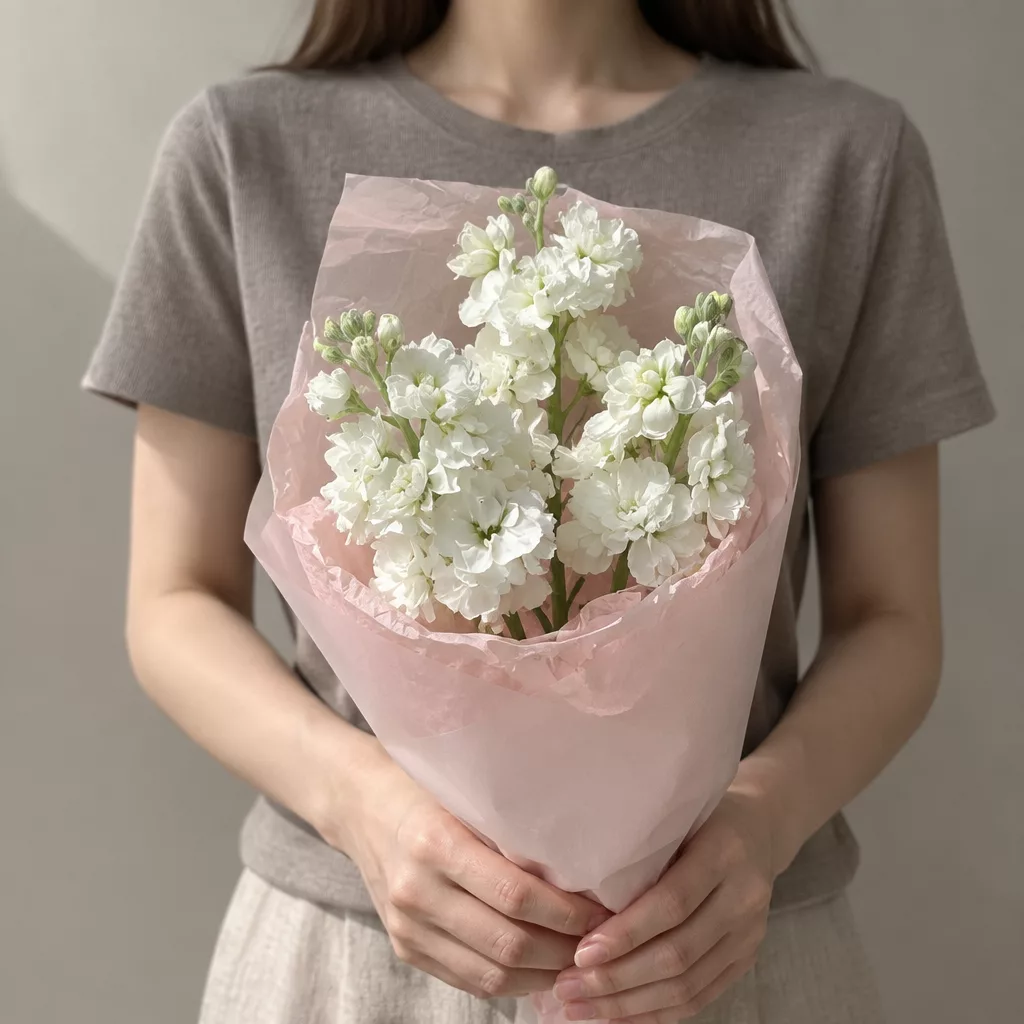
Bouquets we can deliver
Your Confirmation Email: What Every Line Means
Within a few minutes of completing checkout, a confirmation email arrives at the address you provided during registration or as a guest. The subject line contains your order number and the word 'confirmed,' which makes it easy to filter in a busy inbox. If it does not appear within ten minutes, check your spam folder before assuming something went wrong — automated messages from Russian domains occasionally land there for international recipients.
The email body is structured in clear sections. At the top you will find the delivery date, the time window you selected, and the full address including the floor and intercom code if you entered one. Below that is a description of the bouquet: the flower varieties, the approximate stem count, and any personalisation such as a kraft paper wrap or a satin ribbon in a chosen colour. The card message you typed is quoted exactly as you wrote it, which gives you one final chance to spot an error.
Further down the email you will find a direct link to your order-status page. Bookmark it immediately. This link works without logging in, so you can share it with a trusted friend or family member who is closer to the recipient if you want a second pair of eyes on the delivery progress. The email also lists the customer support contact details — a phone number and a chat address — formatted for international callers, meaning you will not need to decipher a local dialling prefix on your own.
The SMS Alert: Short, Direct, and Timed to Matter
If you provided a mobile number during checkout, you will receive an SMS confirmation shortly after the email. The message is concise by design: it states the order number, the delivery city, and the confirmed time window. Because international phone numbers are accepted at checkout, the SMS reaches you on the same device you used to place the order, wherever in the world you happen to be.
SMS notifications continue beyond the initial confirmation. You receive a second message when the bouquet leaves for delivery, and a third message once the courier marks the order as delivered. This three-stage rhythm is deliberate. Flowers are perishable in a way that a book or a phone case is not. Roses cut in the morning and kept at the correct temperature — between two and eight degrees Celsius during transport — have a vase life of seven to ten days, but that window starts ticking the moment they leave the cool storage. Knowing the exact moment of dispatch tells you that the timing is working as planned.
If the recipient does not answer the door, you also receive an SMS at that point so you can act quickly — call ahead, update the delivery instructions, or ask the recipient to watch for the courier. This matters particularly when the recipient does not know a gift is coming, which is common for surprise deliveries. Russian apartment buildings often have a second intercom at the entrance to the stairwell, and a heads-up call from the sender can save the bouquet from a failed first attempt.
Reading the Live Order-Status Page
The link in your confirmation email opens a page that updates in real time as your order moves through each stage. The stages are displayed as a simple horizontal timeline: order received, bouquet being prepared, out for delivery, delivered. A filled marker shows the current stage; the ones ahead remain outlined. You do not need to log in, and the page works on a mobile browser without any app installation.
During the preparation stage, the page may show a note about the specific flowers being assembled that day. Seasonal availability in Saint Petersburg shifts noticeably across the year. In January and February, locally grown peonies are not available, so a bouquet described as 'soft pink and full' will more likely feature spray roses and ranunculus rather than peonies. In May and June, Dutch tulips begin to give way to garden varieties with longer petals and stronger stems. The status page reflects any substitutions made to maintain the spirit of your chosen arrangement, and you are notified before the courier departs if a significant change is necessary.
The page also displays the courier's estimated arrival window, which narrows as delivery approaches. An order placed for an afternoon window will show a broad range in the morning and a precise slot of thirty to forty minutes by the time the courier is en route. For international senders who are calculating the time difference, the page displays all times in Moscow Standard Time alongside a conversion note, so you are not left doing mental arithmetic about whether the flowers will arrive before or after your recipient leaves for work.
When the Confirmation Does Not Arrive: What to Check First
A missing confirmation message is almost never a sign that the order failed. There are three common reasons it is delayed. First, the email address was typed with a small error — a missing dot, a transposed letter — and the message is sitting undelivered in the system rather than in your inbox. Second, your email provider's spam filter has caught the message, which happens more often with addresses hosted outside Europe. Third, an international bank added a fraud-prevention delay to the payment, which means the charge is pending on your card but has not yet reached the payment processor.
The quickest fix for the first two problems is to log into your Turboflora account and check the order history directly. If you checked out as a guest, the order-status link is the only access point, so having that link from the on-screen summary matters. For the payment-delay scenario, wait up to fifteen minutes and then check again. If your card statement shows a charge but no confirmation has arrived after twenty minutes, contact customer support with your payment reference number and the approximate time of the transaction.
Do not, under any circumstances, place the order a second time to be safe. Duplicate orders for flower deliveries are difficult to cancel once the bouquet has entered preparation, and a refund for a perishable item involves more steps than a refund for a non-perishable product. One calm message to the support team resolves the situation faster than a second checkout ever will.
The Card Message: How It Travels from Your Screen to the Bouquet
The personal message you type at checkout deserves its own section because it is the detail international senders worry about most. Will it be printed correctly? Will the staff read it? Will it arrive with the flowers or be forgotten on a desk somewhere? Here is the exact path it takes.
After your order is confirmed, the card message is printed on a small card that is attached to the bouquet before it leaves the shop. The card is printed exactly as you typed it, including line breaks if you used them. If you wrote in English, the card reads in English. If you mixed languages — a common choice when the sender speaks one language and the recipient another — the card prints the mixed text faithfully. The courier does not paraphrase or summarise your words.
One practical note: keep the message under two hundred characters if you want it to fit neatly on a standard card without the font becoming very small. Longer messages are accommodated, but the presentation is cleaner when the text is concise. A single warm sentence in the recipient's language, followed by your name, tends to land better than a long paragraph that the recipient reads while standing in the doorway holding a large bouquet. Russians generally appreciate directness in written messages — a clear 'thinking of you today' or 'congratulations on your new home' carries more weight than elaborate phrasing that can feel stiff in translation.
After Delivery: The Final Confirmation and Flower Care Reminder
Once the courier marks the order as delivered in the system, you receive a final SMS and the status page updates to show the completed marker filled in. This is the signal that the bouquet is in your recipient's hands. The timestamp on the status page records the exact delivery time, which is useful if you want to coordinate a follow-up call or message to the recipient.
Along with the delivery confirmation, Turboflora sends the recipient a short care card — either tucked into the bouquet or sent as a digital message if an email address for the recipient was provided at checkout. The care instructions are practical and specific. Fresh-cut roses need a clean vase with cool water, a diagonal cut of about two centimetres from the stem base, and placement away from direct sunlight and heating radiators. In Russian apartments, radiators run hot from October through April, and a bouquet placed near one will lose two to three days of vase life. The care card mentions this directly.
Lisianthus and spray roses are slightly more forgiving about temperature fluctuations than standard hybrid tea roses, which is why they appear frequently in arrangements designed for long-distance gifting. Tulips need very shallow water and prefer a cool room. If the recipient is unfamiliar with fresh flowers, the care card gives them the confidence to keep the arrangement looking its best for as long as possible — which is ultimately what you wanted when you chose the flowers in the first place.
Placing a flower order from abroad requires a small act of trust — you cannot see the shop, you cannot watch the bouquet being made, and you are relying on a system you have never used before. The confirmation email, the SMS alerts, and the live status page exist precisely to close that distance. Each message is a checkpoint that tells you the flowers are real, the address is recorded, and the timing is on track. By the time the final delivery notification arrives, you have followed the bouquet from checkout to doorstep without leaving your chair. We deliver bouquets across Russia in 1–2 hours.
Frequently asked questions
What if I made a mistake in the delivery address after receiving the confirmation email?
Contact customer support as soon as you notice the error and quote your order number. Address corrections are possible if the bouquet has not yet left for delivery. Once the courier is en route, changes to the address become very difficult to apply, so acting within the first hour after placing the order gives you the best chance of a smooth correction.
Can I receive SMS confirmations on a non-Russian mobile number?
Yes. Turboflora accepts international mobile numbers at checkout, and the SMS alerts are sent to whichever number you provide regardless of country code. Make sure you enter the number in full international format, including the plus sign and your country code, to ensure the messages route correctly to your device.
Will the recipient know how much I paid for the flowers?
No price information appears on the card, the packaging, or any document that travels with the bouquet. The only record of the transaction amount exists in your confirmation email and your card statement, both of which go to you as the sender. This is standard practice and means the gift retains its focus on the gesture rather than the cost.
How long does the order-status page remain active after delivery?
The status page stays accessible for at least thirty days after the delivery is marked complete. This gives you time to screenshot the timestamp or share the link if you need a record of the delivery for any reason. After that period the page may no longer load, so save any information you need within the first few weeks.
What happens if the recipient is not home when the courier arrives?
You receive an SMS alert immediately so you can act. The courier will attempt to reach the recipient by phone using the number you provided at checkout. If contact cannot be made, the team will coordinate a second delivery attempt or agree on a safe handoff point with you directly. Flowers are never left unattended outside an apartment door.
Ready to send flowers?
Pick the city, choose the bouquet, and a local florist takes it from there.
Choose a city →