What Payment Options Are Available When Ordering Flowers Online?
Most online flower delivery services accept bank cards, and many also take digital wallets and instant bank payments; some offer bank transfer for companies or cash on delivery. When you order with Turboflora, you pay online on the site by bank card, through SBP (Russia's Faster Payments System) or with Yandex Pay, and the order is then confirmed and scheduled for delivery.
The payment step is where many people sending flowers from abroad hesitate, mostly because they are unsure whether their card will go through or what happens if something changes after paying. This guide explains how each method works, what to check before you pay, how payment fits together with delivery time and the card message, and how to avoid the small mistakes that delay a bouquet.
The payment methods flower sites usually offer
Across the industry, the bank card remains the default: Visa, Mastercard and national card systems, entered on a secure payment page. Digital wallets such as Apple Pay, Google Pay or similar national wallets save you typing the card number and add an extra confirmation on your phone. Instant bank payments, where you scan a QR code or confirm the transfer in your banking app, are increasingly common in countries that have such systems.
Some services also accept bank transfer against an invoice, which is mostly used by companies ordering corporate bouquets, and a few services still take cash on delivery. Cash on delivery makes little sense when you are sending a gift to someone else, because the recipient should not be asked to pay for their own present.
What matters for you is not how many logos a site shows, but whether the method works from your country and your bank, and whether the payment page is clearly secure. A proper payment form opens over HTTPS, often asks for a one-time confirmation code from your bank, and never asks you to send card details by message or email.
How payment works at Turboflora
With us you pay online on the site. Three methods are available: a bank card, SBP and Yandex Pay. You choose the bouquet in the bouquets catalogue, add the delivery address, date and time, write the text for the card, and then move to the payment page.
Paying by bank card is the familiar option: you enter the card number, expiry date and security code and confirm the payment with your bank if it asks for a code. SBP is the Russian Faster Payments System: you confirm the payment in the app of a bank connected to SBP, usually by scanning a QR code or following a link, which is convenient if you or a relative have a Russian bank account. Yandex Pay lets you pay with a card already saved in your Yandex account, without typing it in again.
City delivery costs 500 RUB and is added to the order. For remote districts and suburbs the operator confirms the delivery price when confirming the order, so you know the full amount before the bouquet goes out. Everything about delivery zones and payment is collected on our delivery and payment page.
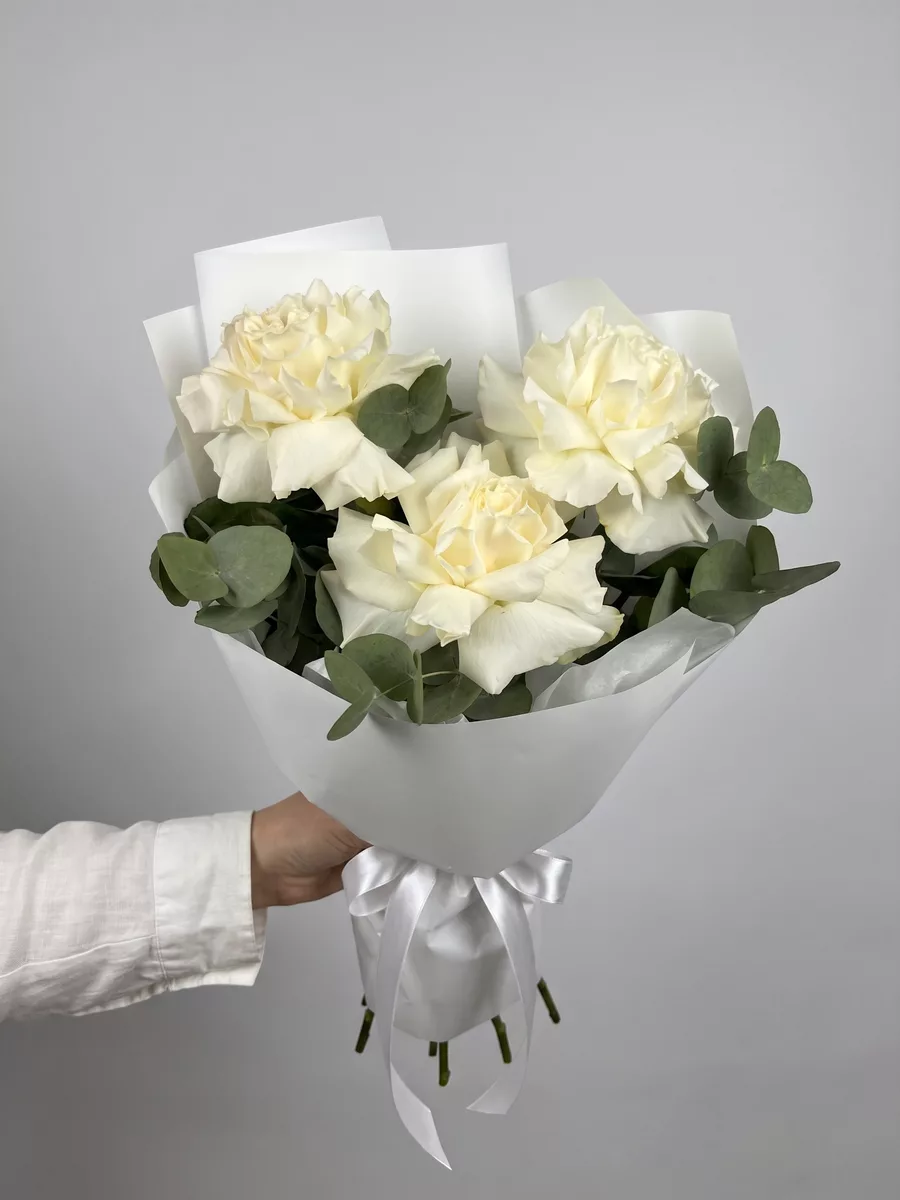
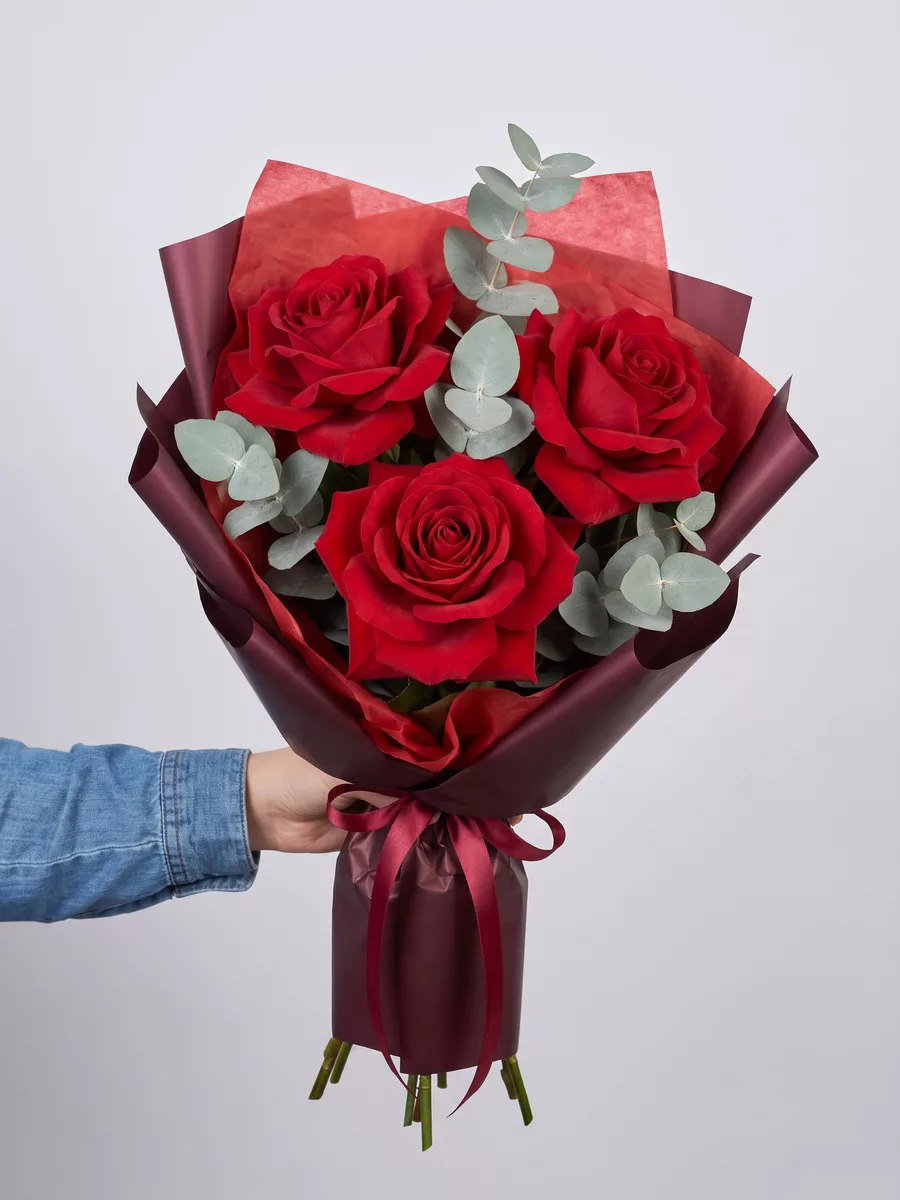
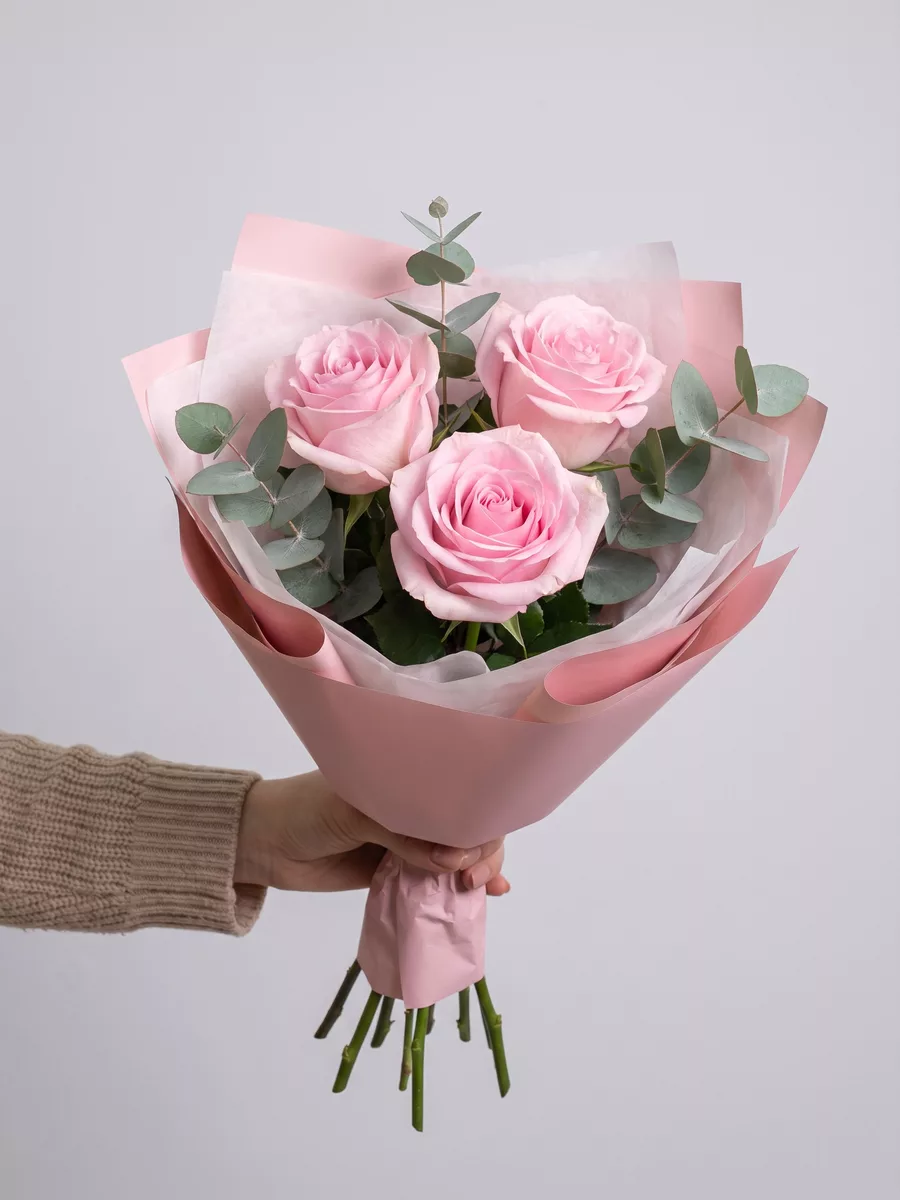
Bouquets we can deliver

Paying from abroad: what to check before you pay
If you live outside Russia, the most common reason a payment fails is not the flower service but the bank: many banks block online payments to companies in certain countries or flag unusual foreign transactions as suspicious. Before ordering for an important date, check in your banking app whether international online payments are enabled and whether there are any restrictions on payments to Russian companies.
If you have relatives or friends with a Russian bank account, SBP or Yandex Pay can be the simplest route: they confirm the payment in their app and you settle between yourselves. Many families sending flowers for a grandmother's birthday or March 8 already do it this way.
Do not leave payment to the last minute when timing matters. If your card is declined, you will need time to call your bank or arrange another method. For birthdays, anniversaries and holidays it is wiser to place and pay for the order a day or several days ahead; pre-orders can be made 1 to 30 days in advance.
How payment connects to delivery time
An order is scheduled once it is confirmed, and confirmation follows payment. In large cities we can deliver within 1 to 2 hours after the order is confirmed, so the faster the payment goes through, the sooner the bouquet can leave. If you need the flowers at a specific moment, choose an exact time with a margin of plus or minus 30 minutes, or one of the time windows: 09-12, 12-15, 15-18 or 18-21.
For surprises, think about the recipient's day rather than yours. A morning window suits someone who works from home; an evening window is better for people who are out at work. The courier calls the recipient about 15 minutes before arrival, and if nobody is home we agree a second delivery the same day or hand the flowers to a neighbour or concierge with your consent.
If anything about the time, address or card text needs adjusting after you have paid, write to a manager on WhatsApp as soon as possible. A manager can also help you choose a bouquet before payment and send you a photo of the finished bouquet before delivery.
Practical tips for a smooth order
Double-check the recipient's phone number before you pay. The courier relies on it to call ahead, and a single wrong digit is the most common reason for delays. Include the full address with entrance, floor and flat number, plus the door code if the building has one.
Write the card text in advance and keep it short and personal. The card is free, and the delivery is anonymous by default, which means the courier will not say who sent the flowers. If you want the recipient to know it is from you, sign the card with the name they call you by, whether that is a full name, a nickname or 'your granddaughter'.
Keep the payment confirmation from your bank or the payment page until the bouquet has been delivered. It is rarely needed, but if you contact us about the order, having the order details and payment time at hand makes everything faster.
Is it safe to pay for flowers online?
Paying online for flowers is as safe as any other online purchase, provided you pay through the site's own payment page. Check that the address bar shows the correct domain and a secure connection, and never send card details through chat messages, social media or email, regardless of who asks for them.
Bank confirmation codes are there to protect you: if your bank asks for a code, enter it only on the payment page you started from. For wallets such as Yandex Pay, confirmation happens inside the wallet itself, so we never see your full card number.
Finally, judge a flower service by how clearly it explains payment and delivery before you pay. When delivery price, time options and payment methods are stated upfront, as they are on our delivery and payment page, there are no surprises after checkout.
Frequently asked questions
How can I pay for flowers on Turboflora?
You pay online on the site by bank card, through SBP or with Yandex Pay. The order is confirmed after payment and then scheduled for delivery.
Why was my foreign card declined?
Most often the bank blocks international online payments or payments to certain countries. Check the restrictions in your banking app or call your bank, and leave yourself time before an important date.
What is SBP?
SBP is Russia's Faster Payments System. You confirm the payment in the app of a bank connected to SBP, usually by scanning a QR code, which is convenient if you or a relative have a Russian bank account.
How much does delivery cost?
City delivery costs 500 RUB. For remote districts and suburbs the operator confirms the price when confirming the order.
Can I change the delivery time after paying?
Write to a manager on WhatsApp as soon as possible with your order details. Changes are easiest to agree before the bouquet is on its way.
Ready to send flowers?
Pick the city, choose the bouquet, and a local florist takes it from there.
Choose a city →